Using the shop
Browsing
A player opening the shop and moving through its sections.
/shop opens the front page: one glowing icon per section, with the number of
items each one holds. /shop <category> jumps straight to a section.
Every menu has a lit border and a centred title. The bottom row carries Sell, Search and your balance.
Buying and selling
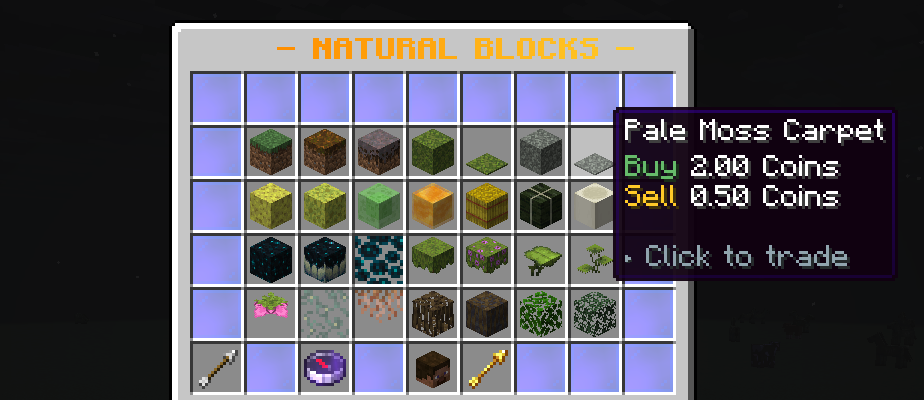
Click an item to open the trade window. Pick a quantity - 1, 8, 16, 32, 64 or a full stack - and click Buy or Sell. The window shows the running total, your stock of that item, and a trend arrow when dynamic pricing is on.
Room is checked before money is taken
If you cannot fit what you are buying, nothing is charged. Anything that will not fit after a purchase drops at your feet rather than vanishing - you paid for it.
The sell window
/shop sell, or the emerald on the front page.
Drop items in and the window values them live. Deposit everything sellable pulls every item the shop buys out of your inventory in one click. Sell it all confirms.
Anything the shop does not buy is handed straight back when you close the window. Nothing is ever consumed without payment.
Searching
The compass, on the front page and in every section. Type part of a name.
Search matches the item's display name first and its material name second,
so searching pistol finds an item called "Emberlock Pistol" even though it
is built on a golden sword. That ordering is what makes search useful on a
server full of custom items.