Ember Plugins · Free
Ember Lock
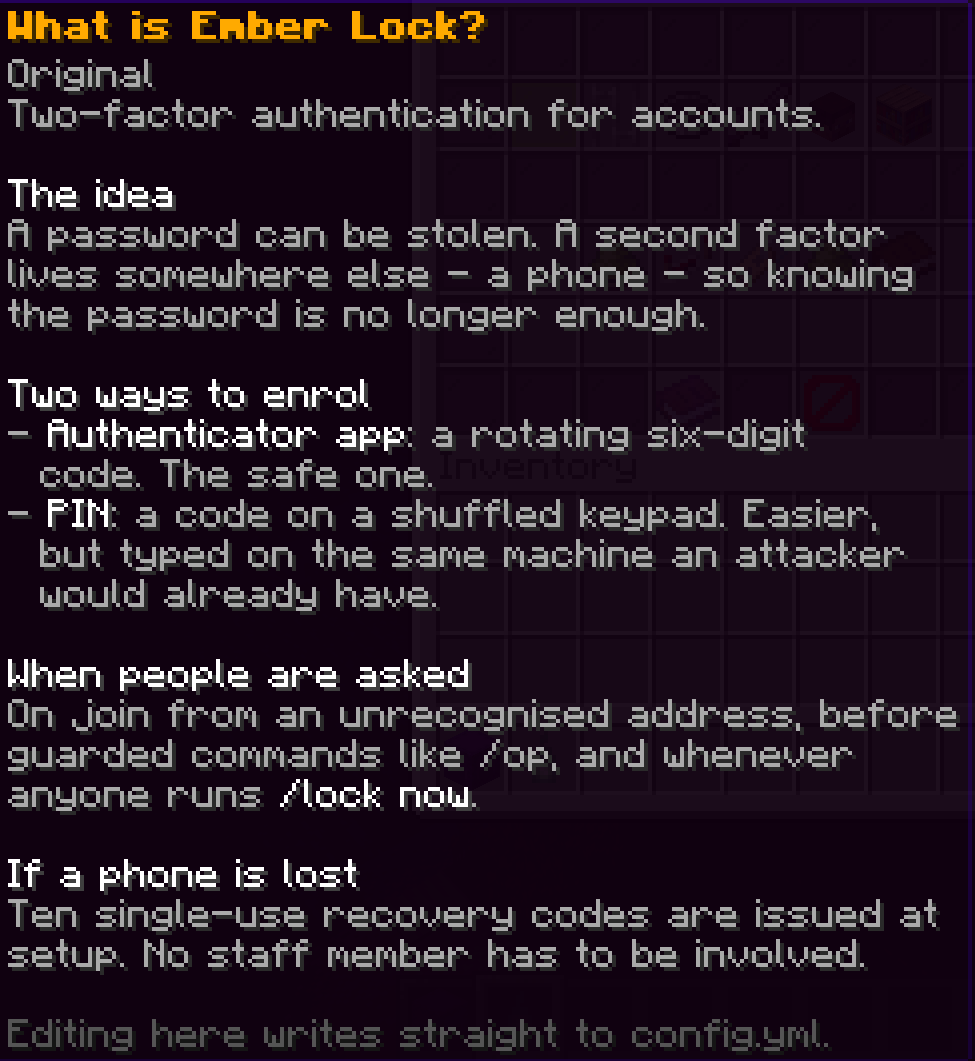
A second factor on the way into your server. An enrolled account joining from a device the server does not recognise has to prove itself before it can move, chat or type a single command, and the commands that can wreck the place ask a second time.
It is for online-mode servers. It is not a login plugin for cracked servers and does not pretend to be one: Mojang already proved the account is theirs, and this proves it is still the person you trust holding the mouse. That matters because password reuse is how accounts get taken, and a taken account arrives holding every permission you gave it.
What it protects
Logging in. This is the main event. An enrolled player is challenged the moment they connect from an unrecognised device, and until they answer they cannot move, chat, type commands, break, place, take damage or be targeted. Ordinary players can opt in; staff can be required, and required to use an app rather than a PIN.
Dangerous commands. The part a login prompt cannot do. Gating the moment somebody connects does nothing when a staff member walks away with the game open. Guarded commands ask for the second factor again, and one answer covers five minutes of work.
The whole server, on demand. One command challenges every account online at once, for when you think something is already wrong.
The second factors
| Authenticator app | Real six-digit codes from Google Authenticator, Authy, 1Password, Bitwarden or any other. One step of clock drift is accepted, so a slightly wrong phone still works. |
| PIN | The fallback. Four digits by default, entered on a keypad in game. Salted and hashed, never stored readable. |
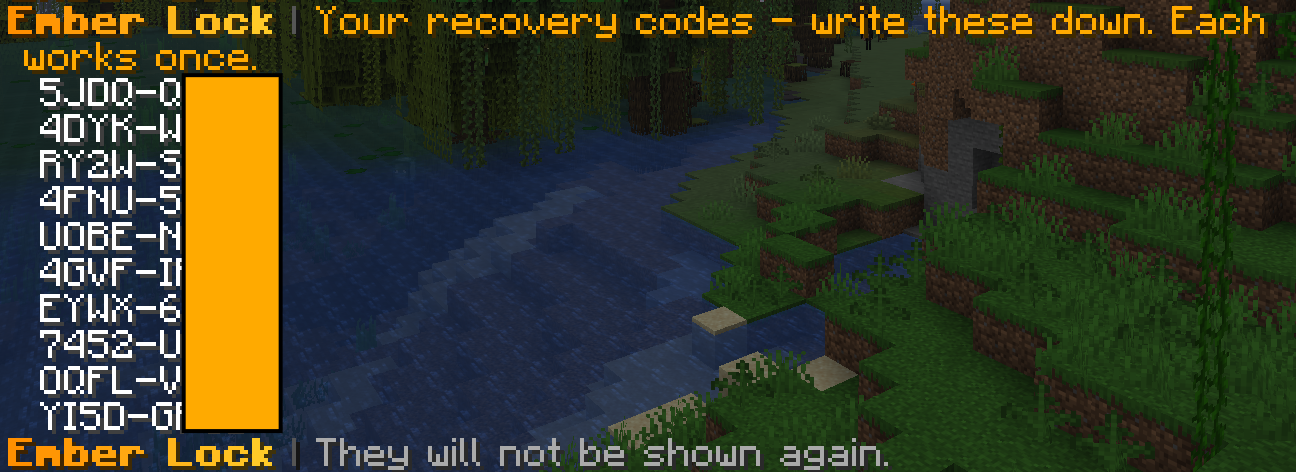
| Recovery codes | Ten single-use codes handed out at setup. What stops "I lost my phone" from becoming an admin ticket. |
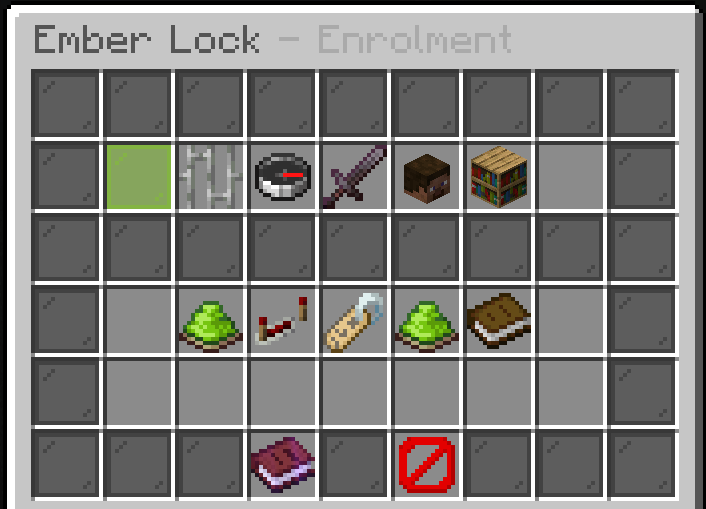
Enrolment is a choice, not a switch. A player runs one command and picks. Staff can be required to use an app, where a PIN is not good enough.
The keypad
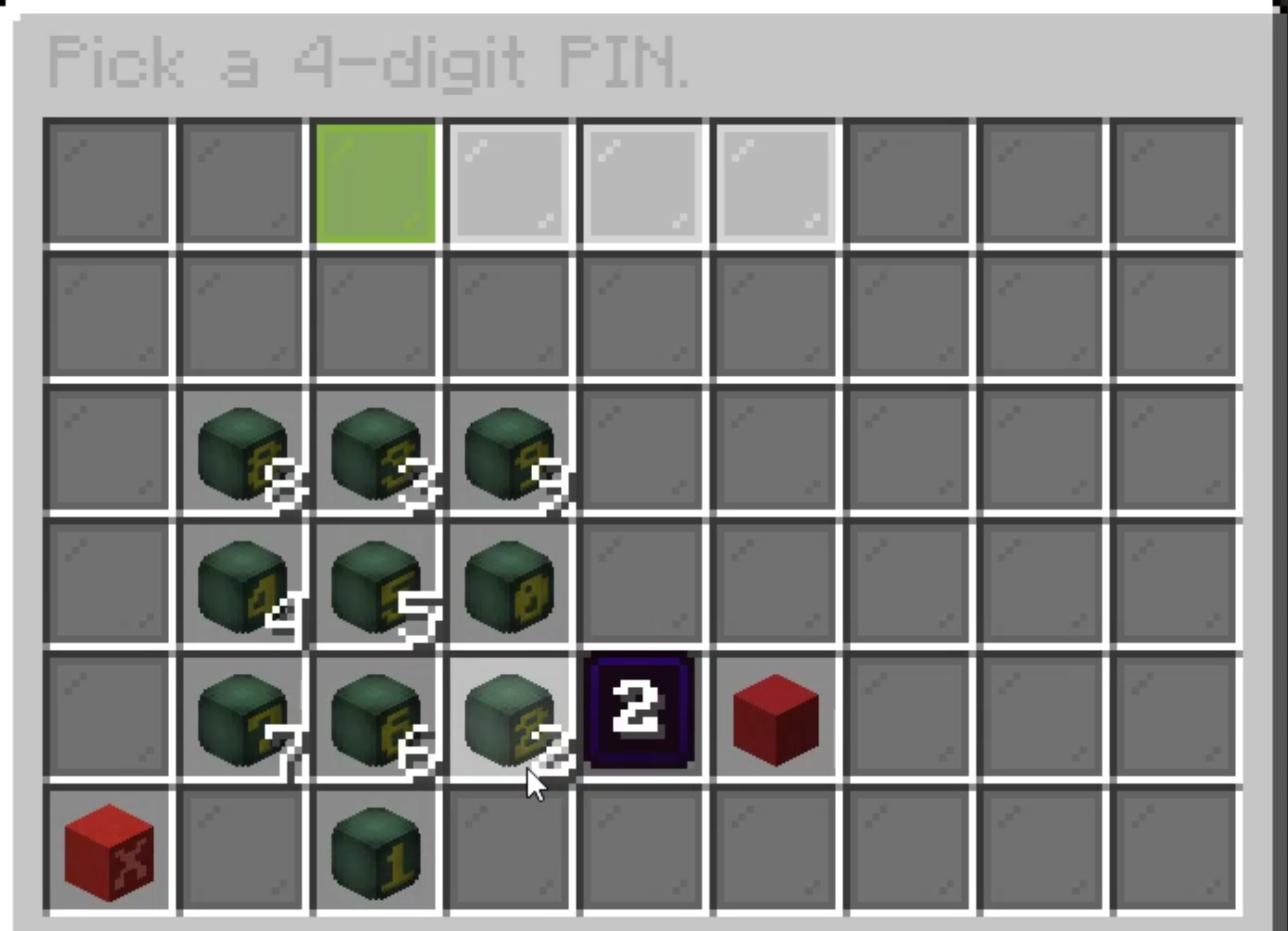
The digits move every time it opens. Somebody recording your screen, or watching over your shoulder, learns nothing from where you clicked. A fixed grid teaches them your PIN in one sitting.
Every key also carries its digit as the stack size, so it reads correctly with no resource pack at all, and the whole thing can be re-themed with your own heads or custom items.
Bedrock players get a real native input dialog rather than a chest menu they have to fight, when Floodgate is installed.
Where to go next
- Setting up your second factor - what a player does, once.
- Staff, step-up and lockdown - the parts that protect a rank.
- Settings - the in-game editor and every option.
- Storage and networks - one enrolment across every server.
- Commands and permissions - the whole surface.
In pictures
What it looks like in game. Every shot is from a live server, unedited apart from cropping.