
Ember Plugins
Plugins for Paper, Purpur and Folia servers. Built to be used together, designed to work perfectly well apart, and configured in game rather than in a config file.
The plugins
Ember is a growing suite. New plugins are added as they are finished, and every one follows the same rules.
-

Ember Essentials 
The core every server installs first: homes, warps, kits, claims, chat with channels and games, a tab list, an admin panel and a watchdog. 242 commands in one jar.
-

Ember Surge
Timed boosts that apply to everyone online, bought and activated by players. Server-wide by design, so selling one never makes the buyer stronger than anybody else. Ten surges included, built in game.
-
Ember Bridge
The proxy half of a network. Chat, messages, teleport requests and the player list cross between servers. One free jar for Velocity or BungeeCord; pairs with Ember Essentials.
-

Ember Shop
A server shop configured entirely in game, that sells any item from any plugin. Ships with a full vanilla catalogue and sixteen legendary items.
-

Ember Coins
A multi-currency economy with physical, droppable coins. Registers with Vault, so every plugin on the server can spend it.
-
Ember Menus
Custom menus built by clicking, not by editing YAML. One jar that runs on every version from 1.21 to today, with eight menus ready on first start.
-
Ember Enchants
141 custom enchantments that feel like part of the game. Enchant from a menu, the vanilla table or an anvil; every enchant lives on the item.
-
Ember Auctions
A player market with real bidding, buy orders and live prices. One market across a whole network, and Ember Coins natively.
-
Ember Fx Core
The effects engine under the Ember plugins: 74 triggers, 95 conditions and 176 effects that any plugin can use through one small API.
-

Ember Seed Guard
Keeps the world seed out of players' hands. Spoofs the hashed seed that seed crackers confirm against, fakes /seed for players and blocks the vanilla forms. Free.
-

Ember Lock
Two-factor authentication for player and staff accounts. Authenticator codes or a shuffling PIN keypad, recovery codes, native Bedrock forms, and a second prompt before dangerous commands. Free.
-

Ember Voting
The whole voting stack in one jar: receives the votes from the server lists itself, then pays rewards, milestones, streaks, vote parties and a monthly top voter, all built in game. Free.
-

Ember Horizon
Adaptive view and simulation distance that ease off when TPS drops and climb back when it recovers, with hotspot and chunk-ticket diagnostics that show where the tick time actually goes. Free.
Server software
A standalone, high-performance Paper fork for any survival or economy network. It runs every Paper plugin; the Ember suite is just at home on it.

EmberMC
Ignite better performance. A free, open-source Paper fork for large survival and economy networks: Paper-compatible by contract, with a profiler, an entity engine, Packet Guard and an adaptive performance engine on the roadmap. In development; every performance claim will come with the benchmark behind it.
Custom assets
Not every Ember release is a plugin. Asset packs drop into a plugin you already run and add content to the game itself.
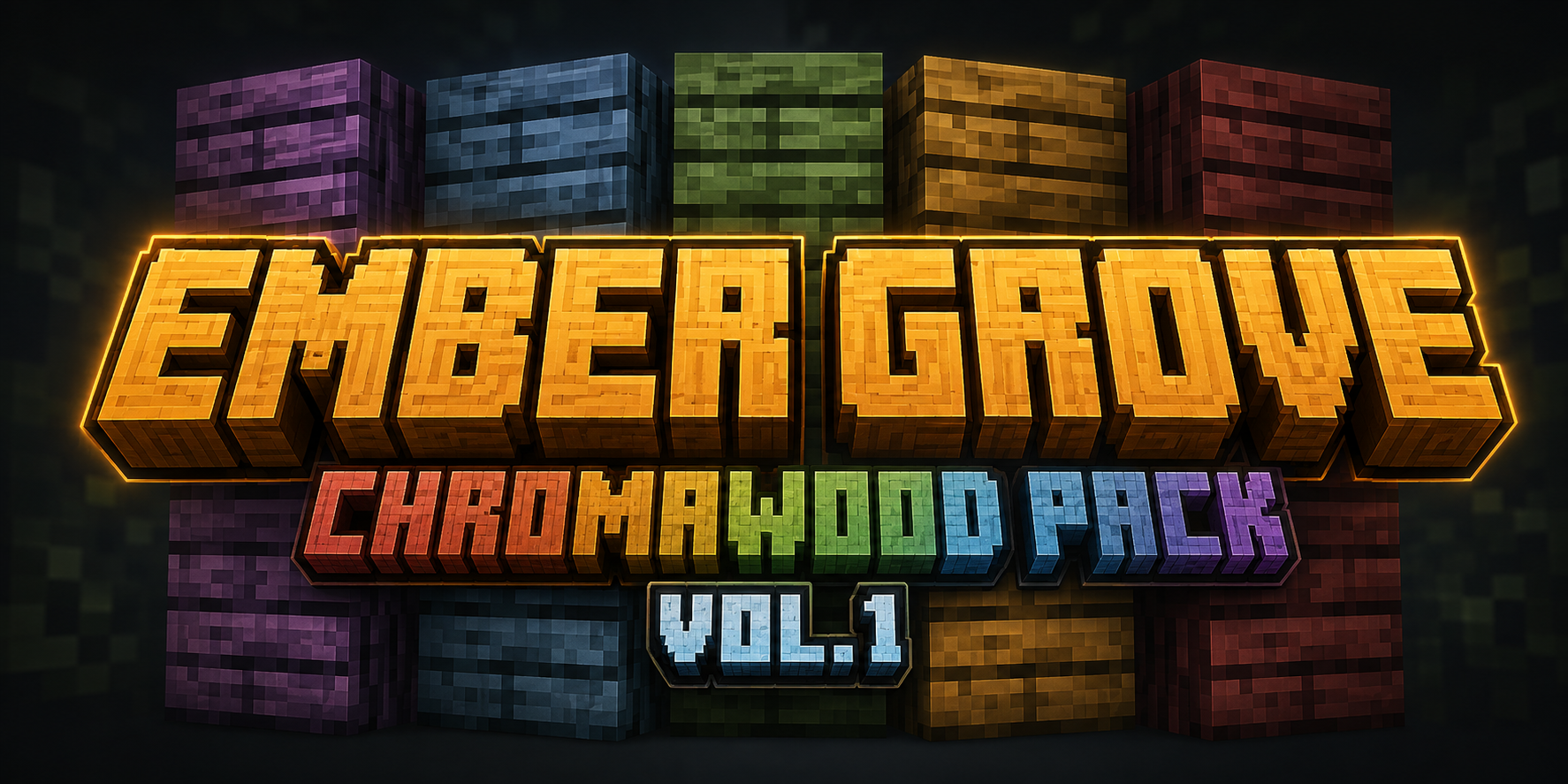
Chromawood
An ItemsAdder content pack. Five coloured wood families - Redwood, Goldwood, Greenwood, Bluewood and Purplewood - with planks, a log and a stripped log each. Fifteen blocks, twenty five hand drawn textures, and twenty five survival recipes that reach every one of them from oak and a dye.
What every Ember plugin has in common
-
Configured in game
Every setting that a server owner changes more than once has a menu. The YAML exists and you are welcome to read it - you never have to open it.
-
No hard dependencies
Every integration is optional. A missing plugin turns a feature off; it never stops ours from loading.
-
Folia ready
Region-aware scheduling throughout, tested on real Folia rather than declared in a manifest.
-
Seven languages
English, German, Spanish, French, Portuguese, Russian and Chinese ship in every plugin, all seven in the box. Untranslated lines fall back per key, not per file.
-
Tested, not claimed
Every plugin has its own compatibility page quoting real console output from real servers, and saying plainly where something is untested. Ember Shop and Ember Coins.
Requirements
| Server | Paper, Purpur or Folia |
| Tested on | 26.2, per plugin: shop, coins |
| Java | 21+ |
| Languages | en, de, es, fr, pt_BR, ru, zh_CN - see languages |
| Economy (shop only) | Vault plus any provider, or Ember Coins |
Nothing here requires anything else here. Install one, install all of them, or mix them with plugins you already run.