Around the server
Four small things players notice.
Elevators
Put an iron block on two floors above each other. Stand on the lower one and jump to rise to the next; crouch to drop. No redstone, no sign, no command - a player who has never heard of it finds it by accident.
elevator:
  enabled: true
  block: IRON_BLOCK
  max-distance: 20
  require-permission: false     # emberessentials.elevator
The landing has to be somewhere a person fits, or the lift does nothing rather than deliver somebody into a wall.
Sleeping by majority
Vanilla needs everybody in bed, which on a busy server is never. Set a
percentage and the night is skipped when that share of a world is sleeping,
with a boss bar counting towards it so the people awake know what would help.
AFK players and emberessentials.sleep.ignore do not count against the
total; somebody who walked away should not hold the whole server in the dark.
Health bar
Hit something and a boss bar shows its name, its health after the hit out of
its maximum, and how much the hit took. Arrows count for whoever shot them.
It fades a few seconds after the last hit. emberessentials.healthbar
controls who sees it; health-bar.show-for-players whether it shows for
players you fight.
Shulker backpacks
Shift-right-click a shulker box in your inventory and it opens where it sits. Close it and what you put in is written back into the box. Nothing is stored anywhere but the shulker itself - the box in your hand is the whole record. While one is open the box cannot be moved and no shulker can be put inside it, for the same reason the game forbids nesting them.
Holograms
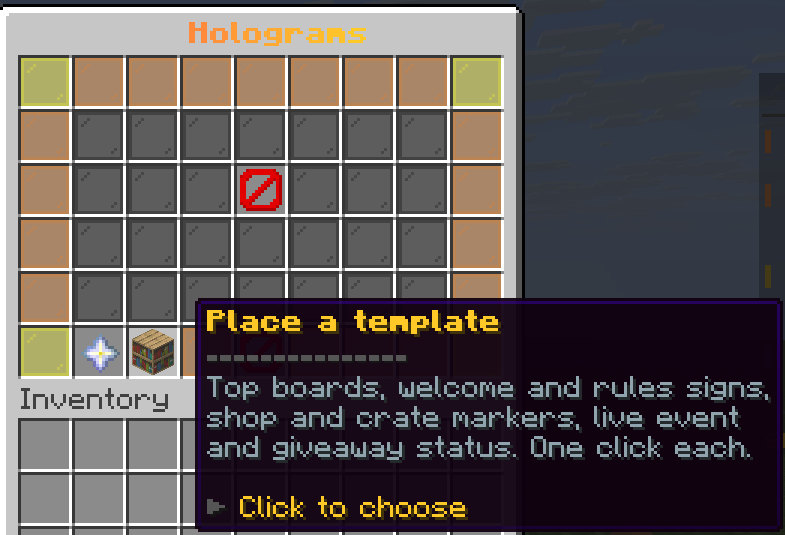
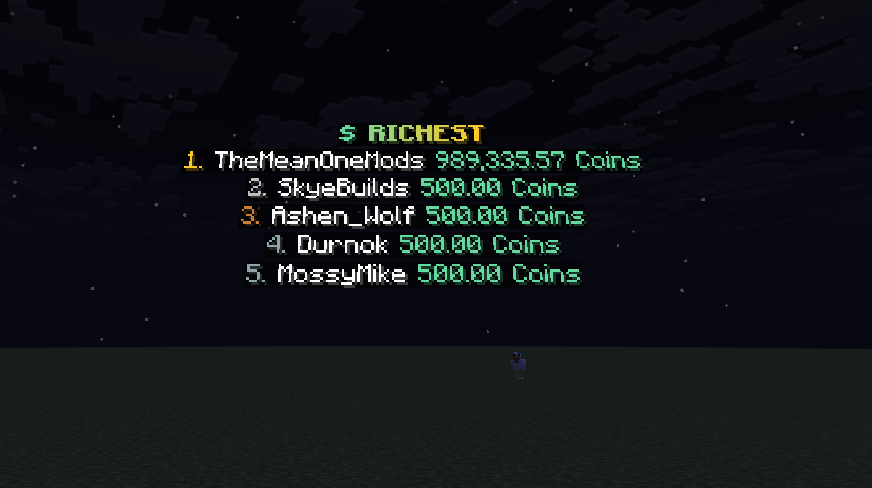
Floating text, drawn with text displays so it is readable at midnight in a cave. A bare /hologram opens the menu: every hologram as a tile, and a button to make a new one where you stand. A line written as item:DIAMOND_SWORD (or item:DIAMOND_SWORD:0.8 for a size) becomes a floating, slowly turning item inside the stack. Placeholders resolve through PlaceholderAPI and refresh on a timer, so a board keeps itself current.
/hologram create <name> [text]
/hologram edit <name>                every control on a screen
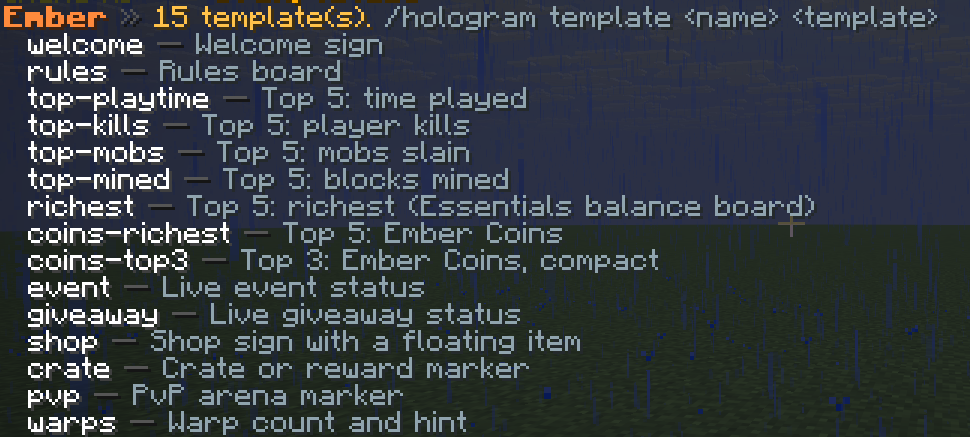
/hologram template <name> <template> a ready-made board (see /hologram templates)
/hologram addline | setline | removeline
/hologram nudge <name> up|down|north|south|east|west|closer|further [blocks]
/hologram movemode <name>            a hotbar toolbelt to place it while you walk
/hologram command <name> <command>   makes it clickable
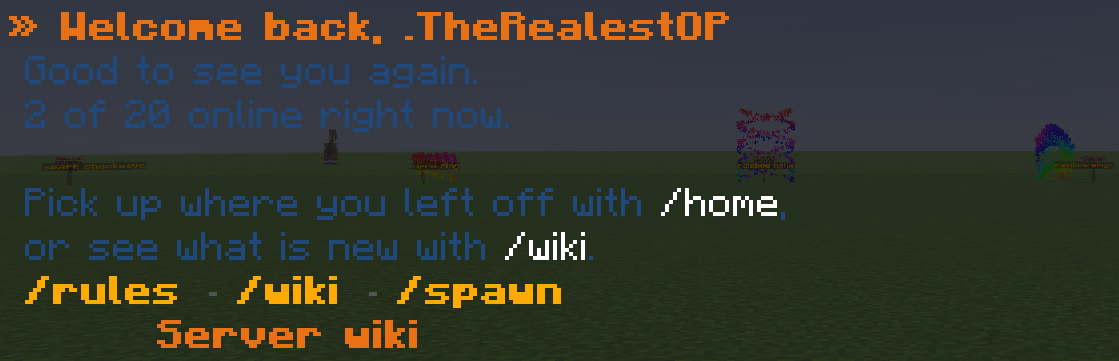
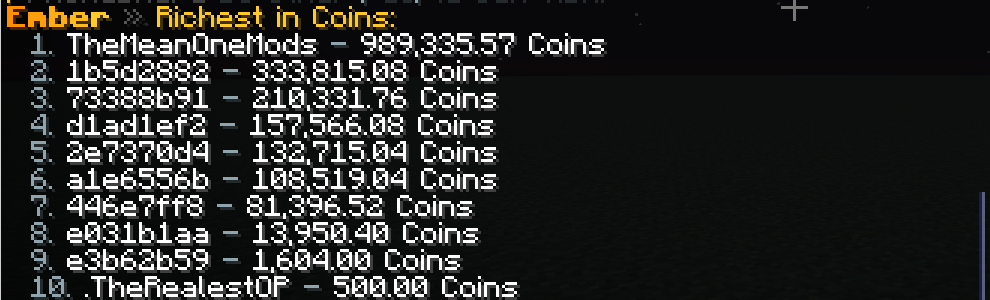
Templates live in hologram-templates.yml: welcome and rules signs, top-five boards for playtime, kills, mobs, blocks mined and balance, an Ember Coins top board when Coins is installed, and live event, giveaway and warp-count signs. Each is a starting point; edit the lines afterwards like any other hologram.
The toolbelt borrows your hotbar: a red block for left and right, lime for down and up, blue for closer and further (left-click one way, right-click the other), a comparator that cycles the step from 0.1 to 1 block, a spyglass that shrinks or grows the whole hologram, a name tag that saves and applies size-and-height presets, Cancel and Done. Closer and further follow where you are looking, and the action bar shows the position, size and step as you go. Your hotbar comes back exactly as it was, even if you log out mid-move. /hologram size <name> <0.25-4> and /hologram preset save|apply|list do the same from chat.
Placeholders you will want on a board:
%emberessentials_leaderboard_<board>_<n>_name%and_valuefor any board inleaderboards.yml%embercoins_top_name_<n>%and%embercoins_top_amount_<n>%with Ember Coins%emberessentials_event_active%,%emberessentials_giveaway_prize%,%emberessentials_warps_total%
In pictures
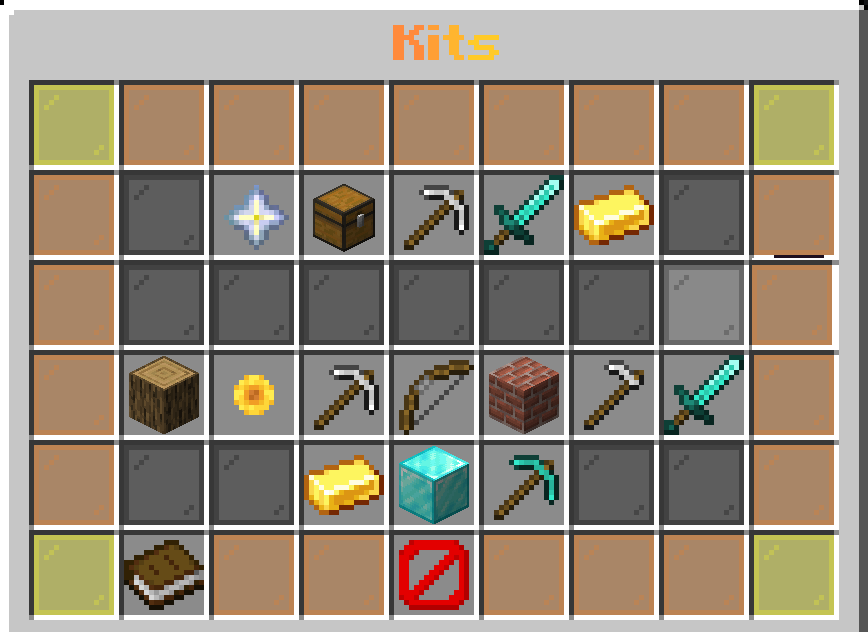
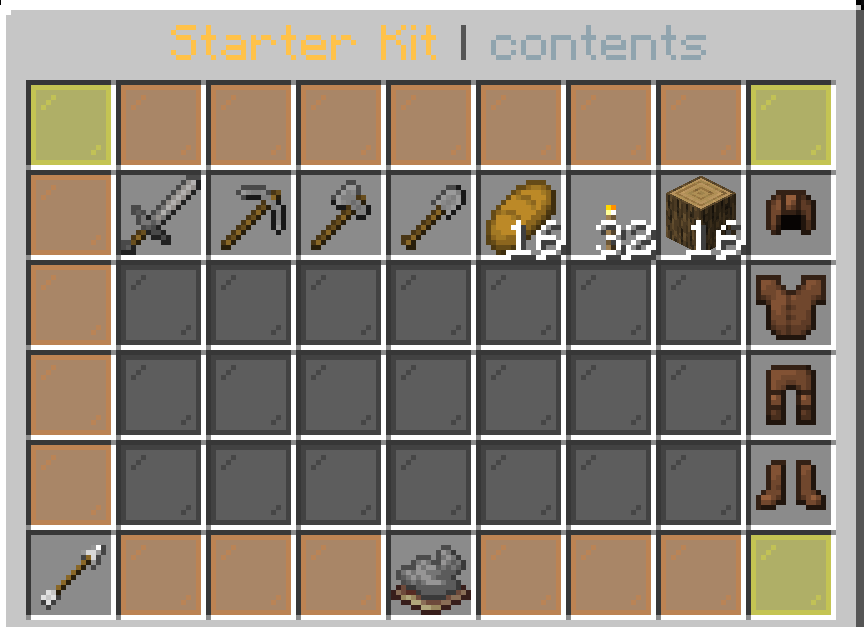
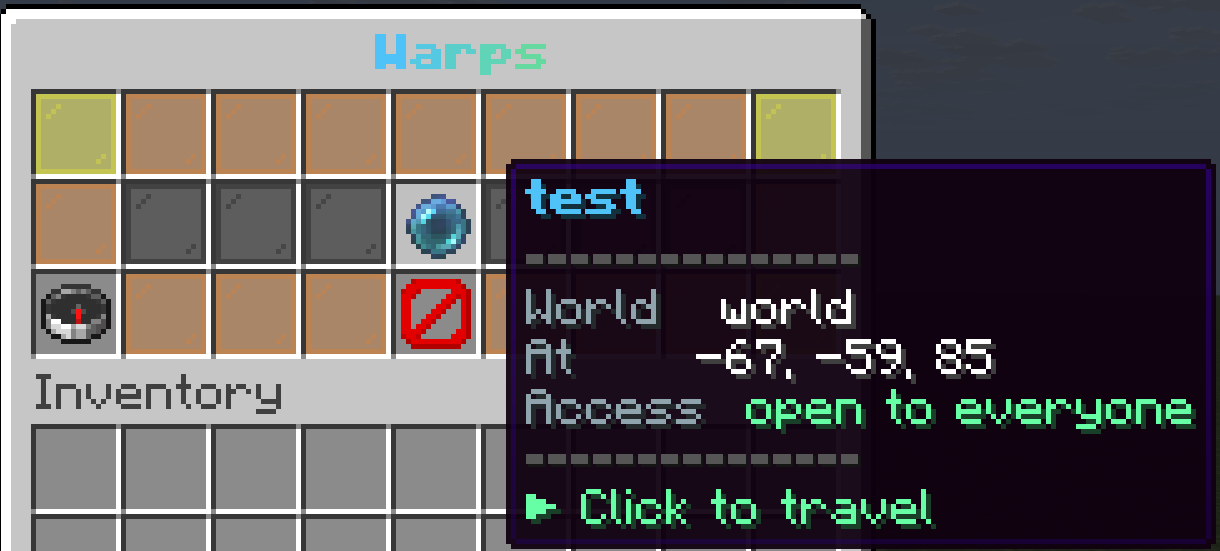
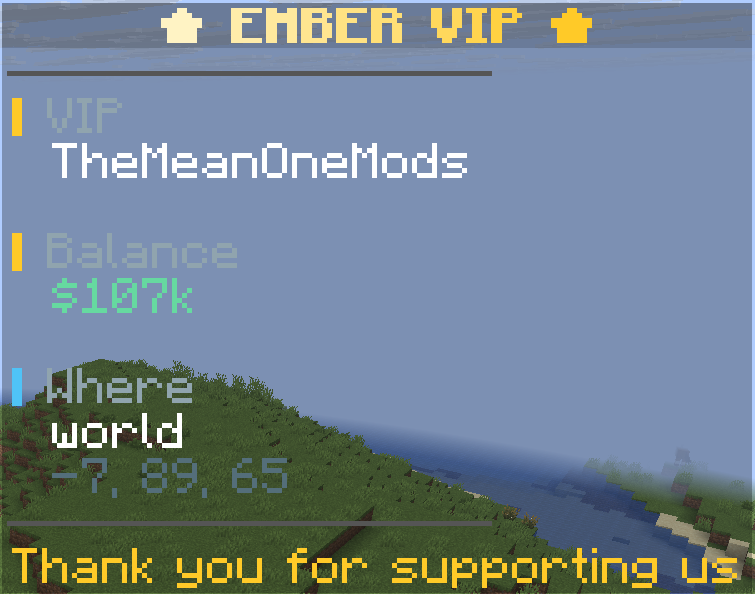
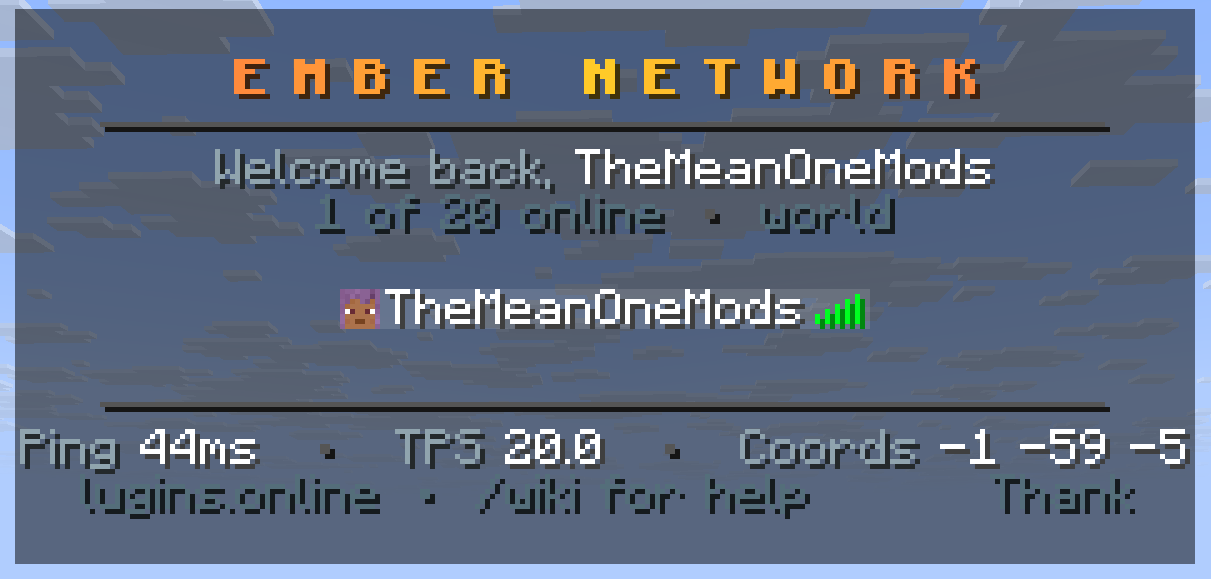
What it looks like in game. Every shot is from a live server, unedited apart from cropping.