Ready-made menus
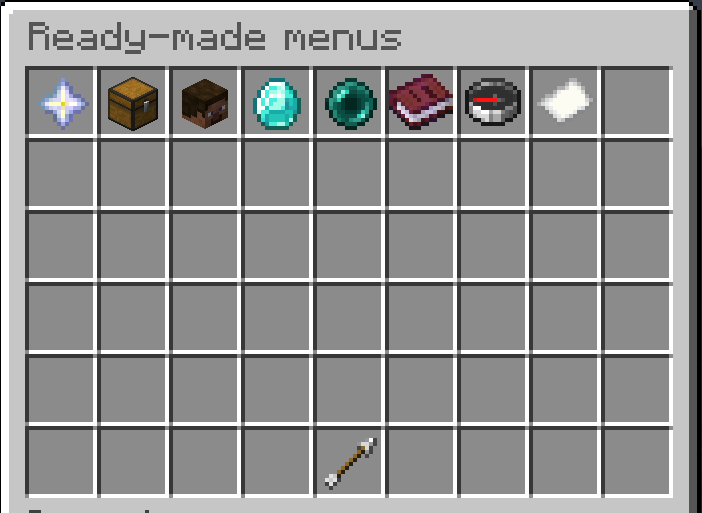
Ten menus ship inside the jar and are installed the first time the plugin
starts. Browse them again with /emenus templates.
They are not screenshots or examples on a wiki. They are working menus, on your server, that you can open and edit.
What ships
| Opens with | Needs | |
|---|---|---|
| Server Hub | /hub |
Server, Player expansions |
| Random Teleport | /rtp, /wild |
Vault, Player expansions |
| Kits | /kits |
EssentialsX, Essentials expansion |
| Ranks | /ranks, /store |
LuckPerms, Vault expansion |
| Server Selector | /servers |
Pinger expansion, a proxy |
| Player Profile | /profile, /stats |
Statistic, Player expansions |
| Vote Links | /vote |
none |
| Rules | /rules |
none |
| Wallet | /wallet, /money |
Ember Coins |
| Shop Sections | /shopmenu, /sections |
Ember Shop |
Expansions are fetched for you
This is the part that usually is not done for you. A template declares what it
needs, and installing it runs papi ecloud download for anything missing, then
reloads PlaceholderAPI.
If something cannot be fetched you are told exactly which one and how to install
it by hand, rather than being left with a menu full of raw %placeholders% and
no explanation.
Missing plugins are different. The template still installs and works; the parts that use the missing plugin are simply blank, and you are told which plugin that was.
Command clashes
If another plugin already owns /kits, we do not take it. The console says so:
[EmberMenus] Menu 'kits' wants /kits but another plugin already owns it.
Use /emenus open kits, or rename the command.
Stealing /kits from your kits plugin because a menu happens to be called kits
would look like data loss to you and a broken server to your players. Rename it
in the builder under Q then Open command, or use /emenus open kits.
They are yours now
An installed template is an ordinary menu file. Edit it, gut it, rename it, delete it. Deleting one does not bring it back on the next restart.
Improvements do reach you, but only while you have not touched the file. When a bundled menu is installed we record a fingerprint of exactly what was written. On a later start:
- the file still matches what we wrote, so nobody has edited it, and a newer version replaces it
- the file differs by so much as a space, so it is your work, and it is left alone
The console says which happened:
[EmberMenus] Updated 3 ready-made menus you had not edited.
[EmberMenus] Left 2 edited menus alone. Your changes are safe.
The fingerprints live in installed-templates.yml. Delete a line from it and
that menu is never updated again.
install-templates-on-first-run: false in the config stops them being installed
at all, and they stay available in the gallery.
Starting an existing menu over
In the builder, Q then Start from a template replaces what you are editing with a template's layout. Nothing is written until you save, so it is safe to try one and back out.