Leaderboards (Premium)
In a menu
/ah top opens the standings: top sellers by money earned, top buyers
by money spent, most items sold and most items bought. Click the icon
at the top to cycle between them.
Faces rather than a list of names, medals on the first three, and your own rank pinned at the bottom whether or not you made the board. A leaderboard that only names strangers is one nobody comes back to.
In the world
/ah board earned Hall of Fame plants a floating board where you stand, or
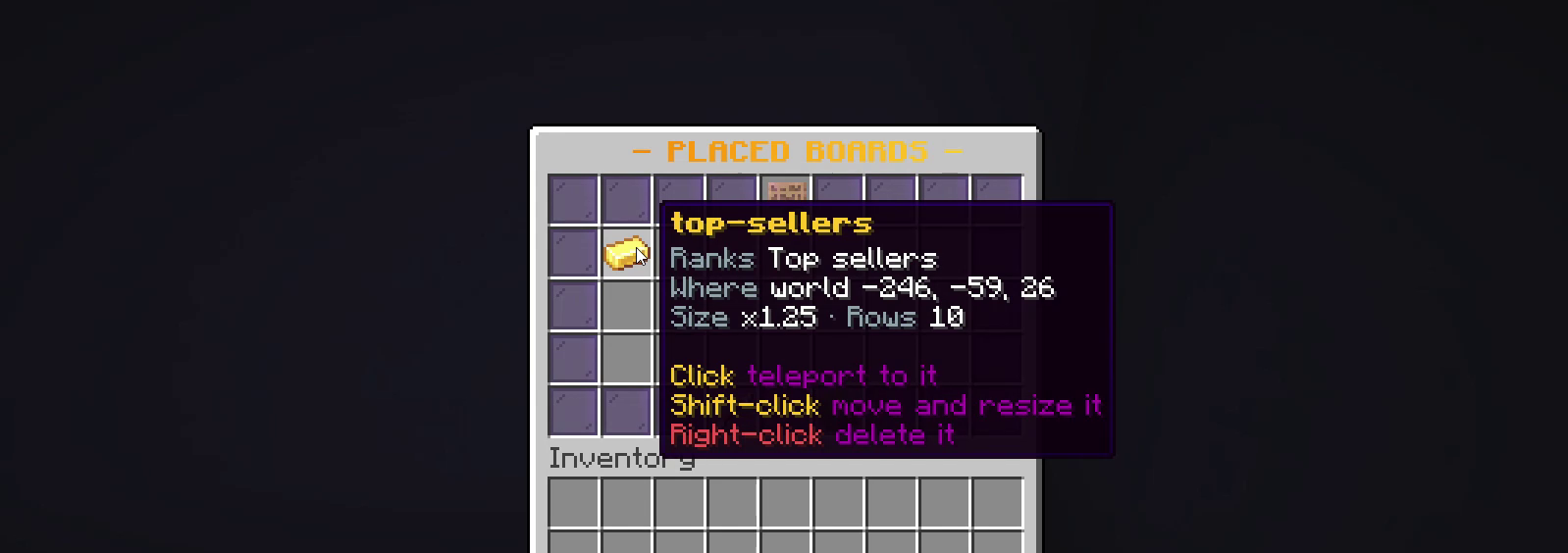
use Leaderboard boards in /ah admin to see every one you have placed.
Click a card to teleport to it, shift-click to edit it, right-click to delete
it.
One text display carries the whole board, so a top ten is a single entity -
and text displays are the one display entity Geyser renders properly, so
Bedrock players read the same board Java players do. Boards refresh
themselves, survive restarts through boards.yml, and any left orphaned by a
crash are swept on the next start.
Moving one
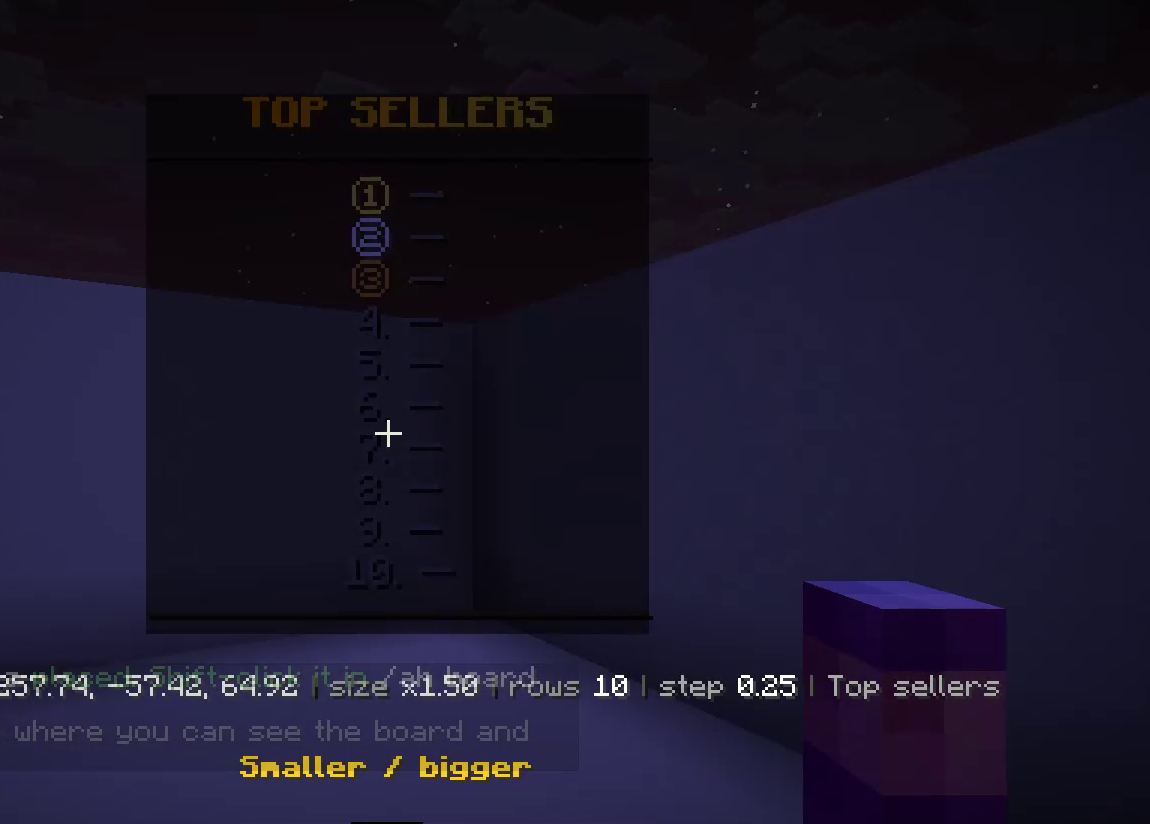
Placing a board drops you straight into move mode: the hotbar becomes the tools and the screen stays clear, so the board is in view the whole time you are positioning it.
| Tool | Left-click | Right-click |
|---|---|---|
| Move left / right | left | right |
| Move down / up | down | up |
| Move closer / further | toward you | away |
| Step size | cycles 0.1 → 1.0 | |
| Smaller / bigger | shrink | grow |
| Fewer / more rows | fewer | more |
| What it ranks | cycles the 4 boards | |
| Done | leave move mode |
Left and right are worked out from where you are facing when you click, because that is what "move it left" means to the person looking at it. The action bar shows position, size, rows and step as you go, and your hotbar is handed back exactly as it was - including if you log out mid-edit.