Running the market
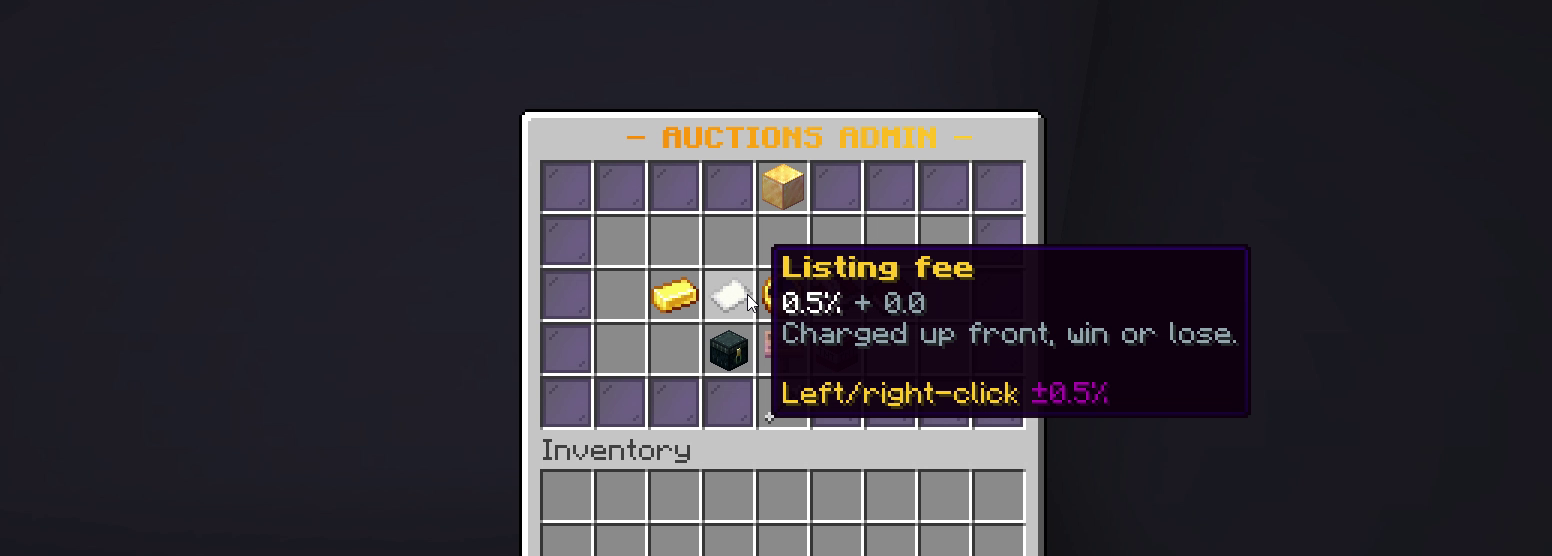
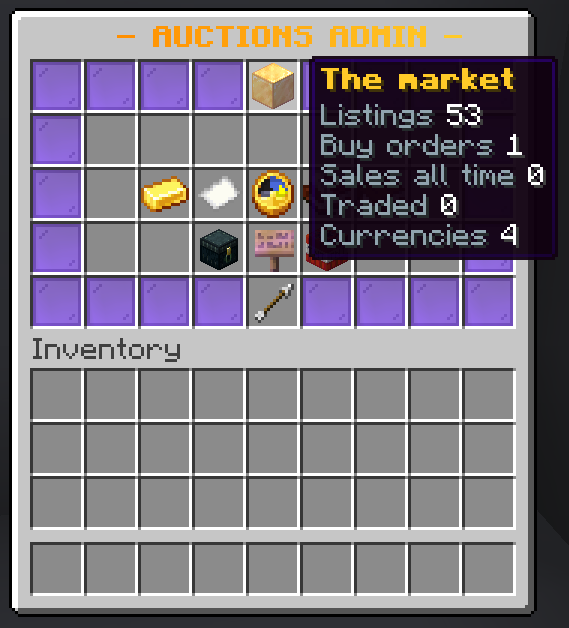
Everything an operator needs is behind /ah admin, which needs
emberauctions.admin. It is a Premium feature.
What it shows you
The first thing in the menu is the market itself: how many listings are up, how many buy orders are open, how many sales have completed since the plugin was installed, how much has changed hands, and how many currencies are in use. On a networked market those numbers are the whole network, not one server.
What you can do from it
Pull a listing. Take something down that should not be up. The item goes back to its seller's collection box rather than vanishing, so removing a listing is never the same as confiscating an item.
Refund a sale. Reverse a completed trade: the money goes back to the buyer and the item back to the seller.
Cancel a buy order. The held money is returned to whoever placed it.
Read the audit trail. Every listing, sale, bid and refund is written down with who did it and when.
The settings
Fees, tax, listing limits, durations, which currencies are offered, whether
bidding and buy orders are on, and anti-snipe. Everything with a sensible
default, and the ones that will cost you money if they are wrong are the ones
with the most explanation in config.yml.
Sale history
/ah history is the full record of what has sold, for how much, to whom, and
when. It is what the price index is built from, and it is the first place to
look when someone claims they were charged twice.
About /ah reload
/ah reload re-reads config.yml, the language files and the currency setup.
It deliberately does not re-read listings.yml.
That is on purpose: a reload part-way through a live market would throw away bids in flight and listings created since startup. The listings the plugin holds in memory stay authoritative, and the next save writes them back to disk.
The consequence worth knowing: editing listings.yml on a running server
does nothing, and your edit is overwritten by the next save. If you need to
change that file by hand, stop the server, edit it, then start it again.